

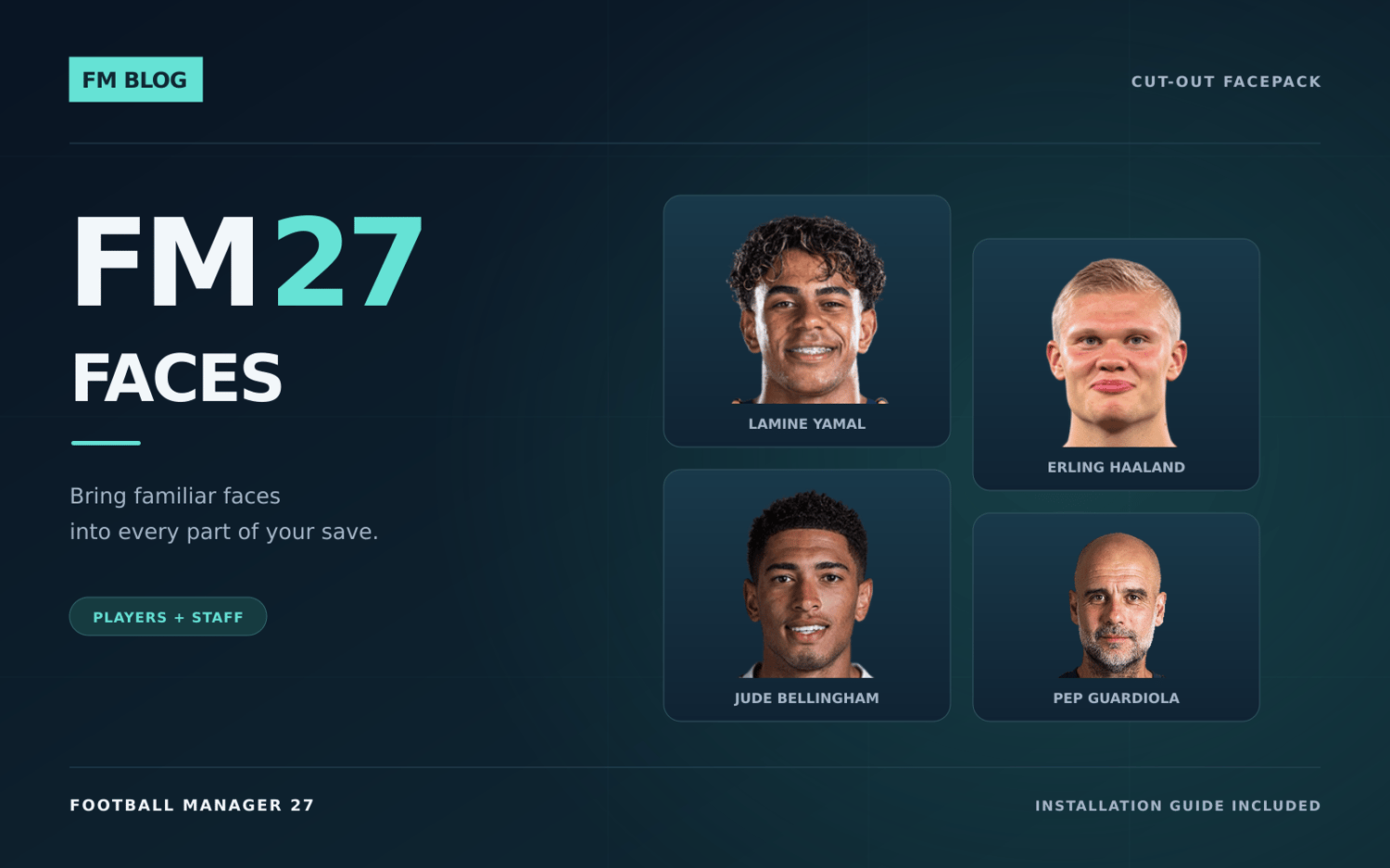
FM27 Facepack
Bring familiar faces to Football Manager 27 with the FM Blog Facepack.
WHAT YOU GET
194,783 player and staff portrait images, ready-to-use configuration files and an English INSTALLATION.txt covering Windows, macOS and Linux / Steam Deck through Proton.
The supplied filenames distinguish portraits from logos and kit textures. Copy the complete pack without manually renaming images or editing config.xml files.
INSTALLATION
1. Save your career and quit FM27 completely.
2. Extract FM27-Faces-FM-Blog.zip.
3. Move an older FM26 Faces or FM Blog Faces pack to a backup location outside your active graphics folder. Keep one active version of this facepack.
4. Copy the extracted graphics/FM Blog Faces folder into the graphics folder used by FM27. Keep every subfolder and config.xml file together.
5. Restart FM27 and load your career. These graphics work with existing saves.
Windows: the default location is Documents/Sports Interactive/Football Manager 27/graphics. Use your actual Documents location if it is stored in OneDrive, or your custom FM user-data folder if you have set one.
macOS: ~/Library/Application Support/Sports Interactive/Football Manager 27/graphics.
Linux / Steam Deck with Proton: find FM27's numbered folder in your Steam library's steamapps/compatdata directory, then open pfx/drive_c/users/steamuser/Documents/Sports Interactive/Football Manager 27/graphics. The included instructions explain how to identify the correct folder.
Create a lower-case graphics folder if needed. Graphics belong in FM27's user-data folder. Preserve the supplied filenames and letter case.
Some national-team photographs depend on the game's licensing settings. Follow the separate instructions for the free FM27 Real Name & Kit Fix if needed. A missing portrait can also mean the person is not included in this pack.
One-time price: £4.99.